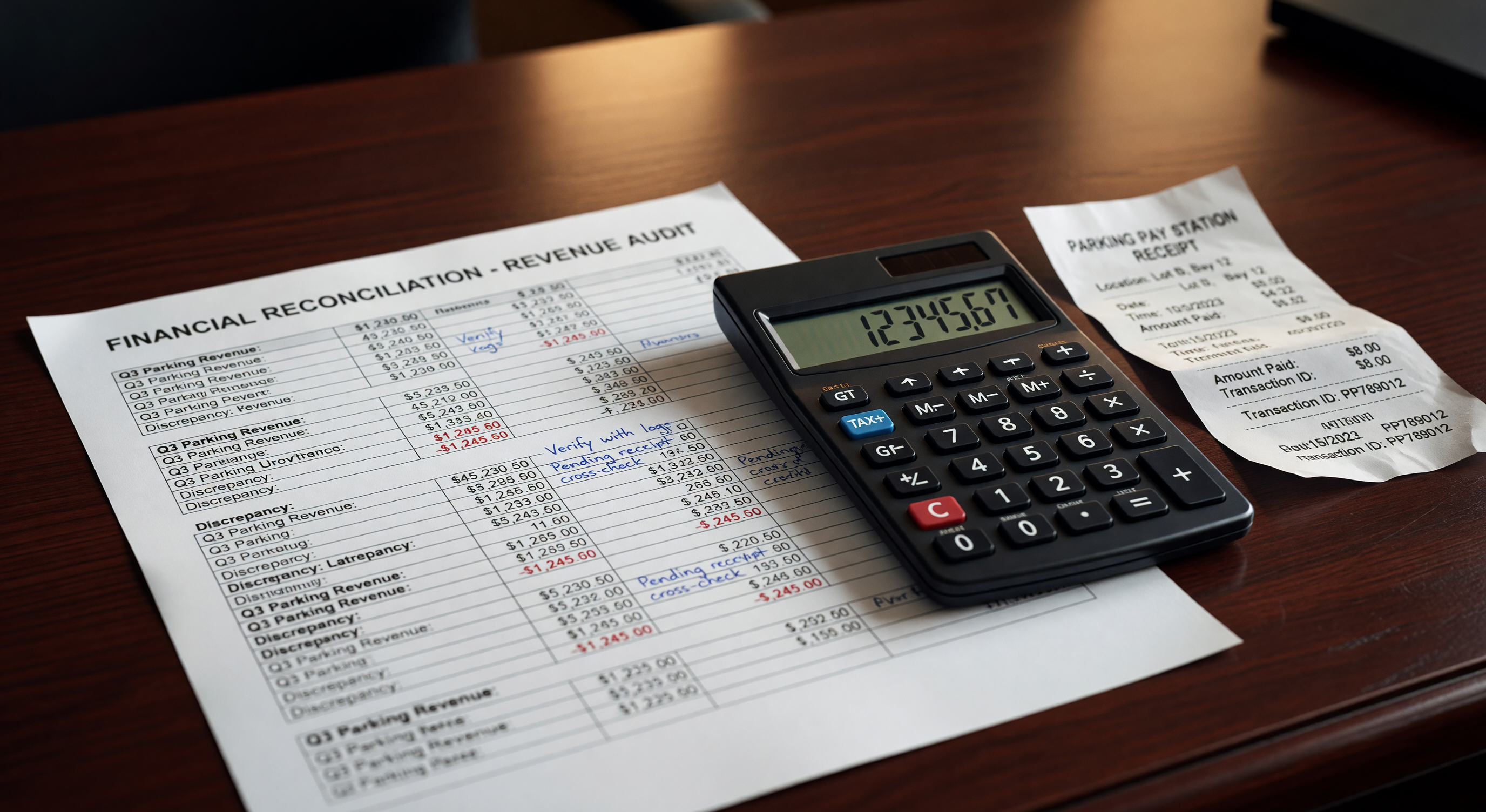
Parking revenue discrepancies compound quietly. A $40 variance on Monday becomes a $200 variance by Friday and a $900 mystery by month-end close. By then, the transaction data is stale, the shift supervisor has moved on, and your auditor is asking questions you cannot answer.
Daily reconciliation is the operational habit that prevents that sequence. This article walks through how to build a reliable daily close process — what to pull, what to match, where gaps typically hide, and what thresholds should trigger escalation.
Why 24 Hours Is the Critical Window
Most parking management systems retain transaction-level logs. Payment processors generate settlement reports. Banks post deposits. The data exists — but its usefulness degrades with time.
At 24 hours, you can still correlate a voided transaction to a specific lane event, verify a validation discount against the issuing record, and pull a cashier report to cross-check manual collections. At 7 days, half of those trails require manual reconstruction. At 30 days, you are largely relying on aggregated totals that cannot explain individual discrepancies.
Industry data from multi-site operators suggests that catching discrepancies within the business day reduces investigation time by 60–70% versus flagging them at monthly close. For a 500-space facility generating $8,000–$12,000 in daily gross revenue, even a 1% daily variance adds up to $25,000–$35,000 in unresolved discrepancies annually if left unaddressed.
Daily reconciliation is not about being suspicious of your staff. It is about data hygiene — ensuring that the numbers your finance team reports are defensible.
The Three Revenue Streams to Reconcile
A complete daily reconciliation requires closing the loop across three independent data sources:
1. Equipment/Machine Totals Your pay stations, gate controllers, and parking management software generate transaction records at the point of collection. These are your source records — the ground truth for how many transactions occurred, at what rates, and through which payment methods.
Pull the daily close report from each device or the aggregated report from your parking management platform. Key figures: total transaction count, gross revenue by payment type (cash, credit/debit, mobile), validation deductions, and any voids or refunds processed.
2. Payment Processor Settlements Credit and debit transactions move through a payment processor (Stripe, Heartland, Shift4, or a parking-specific gateway). Each business day, the processor generates a settlement report showing the net amount deposited after processing fees.
This figure will not match your machine totals for two reasons: processor fees are deducted, and settlement timing may lag by one business day. Your reconciliation process needs to account for both. The comparison is not machine total vs. settlement total — it is machine credit transactions vs. processor gross batch, fee-adjusted.
3. Bank Deposits The third leg is actual funds received in your operating account. Cash collected during the day should be deposited same-day or next-day depending on your armored car or manual deposit schedule. Credit settlements should post within one to two business days.
Bank reconciliation confirms that what you expected to receive actually arrived — and flags timing gaps that indicate a missed deposit, a held transaction, or a chargeback.
Step-by-Step Daily Close Process
A tight daily close can be completed in 20–35 minutes once the process is systematized.
Step 1: Pull Machine Reports at End of Day
Set a consistent close time — midnight, or at the end of your last shift — and pull the daily summary from each machine or your central parking management platform. If you operate multiple facilities or entry/exit lanes, ensure each terminal has been polled and the reports reflect the full 24-hour period.
Export or screenshot: transaction count, gross revenue, payment method split, voids/refunds, validations applied.
Step 2: Pull Processor Settlement Report
Log in to your payment gateway portal and download the settlement batch for the same date. Note: processor reports often reflect transactions by processing date, not business date. If your gate takes payments until 11:59 PM, some late transactions may appear in the following day’s batch. Know your processor’s cutoff time and adjust accordingly.
Record the gross batch amount, total fees, and net deposit expected.
Step 3: Match Machine Credit Totals to Processor Batch
Compare the credit/debit total from your machine report to the gross batch from the processor. These should match within a narrow tolerance (typically $0–$2, driven by rounding or timing on partial-day transactions).
Discrepancies above $5 warrant line-level review. Common causes: a transaction recorded in the machine system but declined at the processor; a manual override not reflected in machine totals; or a test transaction processed during maintenance.
Step 4: Match Bank Deposits
Log in to your bank portal and confirm that cash deposits match the machine’s cash total (accounting for your deposit schedule), and that credit settlements from the prior business day posted as expected.
Document any pending deposits and their expected posting date. Flag any settlement that has not posted within two business days.
Step 5: Document Variances
Every variance — even small ones — should be logged in a reconciliation worksheet or your parking management software’s notes field. Record the date, the variance amount, the revenue stream affected, and the status (resolved, under investigation, or unexplained).
Unresolved variances do not disappear. They need a chain of custody until they are explained or written off.
Acceptable Variance Thresholds
There is no universal standard, but most multi-site operators and parking management consultants work within these guidelines:
| Variance Type | Acceptable Threshold | Escalation Trigger |
|---|---|---|
| Cash vs. machine total | ±$5 or 0.1% of gross | >$10 or >0.5% |
| Credit batch vs. processor | ±$2 | >$5 |
| Expected deposit vs. bank | ±$0 (exact match expected) | Any discrepancy |
| Daily gross vs. budget | ±5% | >10% without explanation |
“Acceptable” means it falls within the range of explainable rounding, timing lag, or fee calculation differences. It does not mean you stop looking — it means you document it as within normal bounds and move on.
When you exceed escalation thresholds, the response should be immediate: pull transaction-level detail, contact the relevant vendor (processor, armored car service, or payment terminal provider), and do not close the reconciliation until the discrepancy is traced or formally written off with an explanation on file.
Where Reconciliation Gaps Hide
In our experience across multi-site parking operations, these five categories account for the majority of recurring discrepancies:
Voided Tickets Not Cleared A transaction that is voided in the gate system should be reversed in the payment processor. If your staff void tickets manually without using the proper reversal workflow, the machine and processor records fall out of sync. This is common in facilities where supervisors have override access without reconciliation training.
Lost Ticket Fees Not Captured Lost ticket fees are often processed outside the normal payment flow — collected at a booth or entered manually. If these transactions are not systematically logged in your management platform, they appear as cash on hand but not in your system totals. Daily reconciliation catches this because cash will exceed machine totals consistently.
Validations Not Properly Deducted Validations — whether from a retailer, employer, or event organizer — reduce customer-paid revenue. If the validation ledger is not reconciled against the discount applied in the system, you may understate the validation liability owed to the issuing party, or overstate actual revenue collected.
Credit Card Settlement Delays Processors typically settle in one to two business days, but some gateway configurations and card types (certain corporate cards, international transactions) settle on different cycles. If you are matching same-day deposits to same-day settlements, you will regularly see apparent shortfalls. The fix is to reconcile processor batches to bank on a rolling two-day basis.
Monthly Parker Payments vs. Access Logs Monthly parkers pay in advance (usually the first of the month), but their access events occur throughout the month. If a monthly parker’s payment fails mid-month, their access often continues until the issue is caught. Daily reconciliation of active access credentials against paid-up accounts prevents multi-week exposure.
Tools: Spreadsheets vs. Parking Management Software
Most small-to-midsize operations still use spreadsheets for daily reconciliation — typically an Excel workbook with tabs for each revenue stream and formulas that flag variances automatically. This approach works, but it has three meaningful limitations: it is manual (and therefore error-prone), it does not store historical variance data in a queryable format, and it does not integrate with your machine data, requiring manual entry.
Parking management platforms with built-in financial reconciliation modules (Passport, T2 Systems, Flowbird, and others) can automate the pull from equipment and reduce the daily close to a review-and-sign-off workflow. The ROI case is straightforward: if your daily reconciliation currently takes 45 minutes and a software module reduces it to 10, the time savings alone covers the cost at most facility sizes within 6–12 months.
The decision to upgrade typically hinges on transaction volume. Below approximately 150–200 transactions per day per facility, a well-designed spreadsheet is defensible. Above that volume, the error rate from manual data entry starts to outpace the cost of automation.
For deeper context on how this feeds upstream, review the revenue reporting standards that your finance and ownership teams rely on — clean reconciliation data is the foundation those reports are built on.
For a comprehensive look at where revenue disappears before it is ever reconciled, see the guide to sources of revenue leakage — many of those gaps are only visible when daily reconciliation is tight enough to catch them.
The Practical Takeaway
Daily parking revenue reconciliation does not require sophisticated software or a dedicated accounting staff. It requires three data sources, a consistent close time, and a documented process for logging and escalating variances.
Start with a simple worksheet: machine totals in column A, processor settlement in column B, bank deposit in column C. Add a variance column and a notes column. Run it every business day at the same time.
After 30 days, you will have a baseline. You will know what a normal variance looks like for your facility, which revenue streams are cleanest, and where your gaps consistently appear. That baseline is what turns reconciliation from a compliance exercise into an operational intelligence tool.
The goal is not perfection. It is accountability — a documented chain from transaction to deposit that you can defend to an auditor, a property owner, or a lender at any point in the fiscal year.